Model Releases: A Practical Evaluation Checklist
Model releases can change an AI product’s capabilities, costs, and operating assumptions overnight. Yet an announcement alone does not tell you whether a model belongs in your application. This practical checklist explains how to evaluate a release, verify access, compare the exact version, and plan a controlled rollout. The goal is a useful decision based on evidence, rather than a rushed migration driven by a headline.
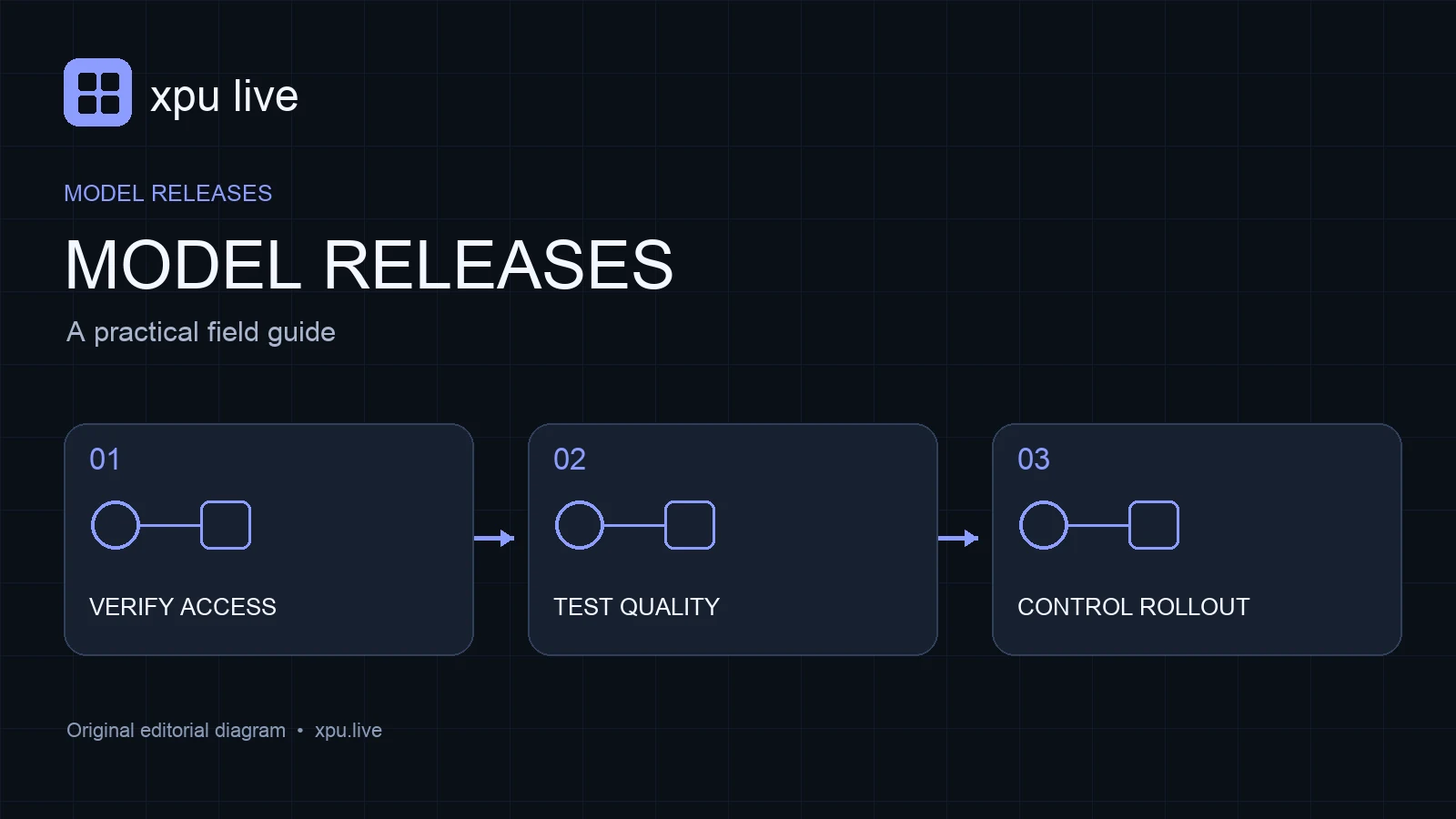
Identify the exact version behind model releases
A product name is not always an API identifier. Write down the model family, version, endpoint name, and release date before comparing results. A chat product may use a different configuration from a developer API. Similarly, an alias can point to a newer version while a dated snapshot stays fixed. Treat those as distinct deployment choices.
For example, imagine a provider announcing a stronger coding model. Your application might still call an older alias, or the new model might require a separate endpoint. A release checklist should therefore include a successful test request and the identifier returned by the service. Record this evidence beside the announcement URL. That small step prevents an evaluation of the wrong model.
Check whether model releases are actually accessible
Availability has several meanings. A provider can announce a model, open a limited preview, enable selected accounts, or offer broad production access. These stages should not appear as interchangeable labels in your planning document. Confirm the account tier, supported region, access approval, and any preview restrictions that apply to your team.
Also check the interface you need. A model available in a consumer application is not automatically available through an API or cloud marketplace. Conversely, an API release may not appear in the chat product immediately. Release notes can distinguish these changes; the official model release notes illustrate why product and API scope need separate checks. Use that distinction when writing your own availability summary.
Translate capabilities into acceptance tests
Statements such as improved reasoning or stronger vision are starting points for evaluation. Turn each claim into a task your users actually perform. A document assistant needs faithful extraction and useful citations. A coding assistant needs changes that run and satisfy the task. A support tool needs correct answers under the rules of your business.
Build a small test set before trying the new model. Include typical requests, difficult cases, missing information, and inputs the system should decline to process. Define what a good answer looks like for each case. Keep the same prompts and scoring rules for the current model and the candidate. Otherwise, a change in the test can look like a change in model quality.
Compare the cost of model releases
Price comparisons need more than one headline rate. Separate input, output, cache, batch, and tool charges where the provider publishes them. Check the unit as well. A token tariff cannot be compared directly with an image price or a second of generated video. Your evaluation should preserve these differences instead of combining them into an unexplained average.
Use an example workload to estimate the bill. Suppose a request has a long document input and a short answer. Its cost mix differs from a short instruction that produces a lengthy report. Therefore, calculate both patterns if your product supports both. The xpu live model directory can help identify collected tariffs, but confirm the final billing terms with the provider before deploying.
Measure latency and failure behavior
A more capable model can still make an interactive product feel worse if users wait longer. Measure time to first output, total completion time, and the rate of usable responses. Run tests with realistic prompt lengths and output limits. A short demonstration does not represent a busy production queue or a long conversation.
Include error handling in the experiment. Try a request that exceeds a documented limit, a temporarily unavailable model, and an interrupted response. Confirm that your application reports the problem and stops safely. If it retries, make sure the retry policy is bounded. The practical value of model releases includes operational behavior, not only the quality of a successful answer.
Review context and output limits separately
A large context window does not mean an equally large output allowance. Record both limits and inspect how your application uses them. Long conversation history, retrieved passages, tool descriptions, and attachments may consume the available input budget. A successful request can still produce an answer that ends before the task is complete.
Create a context budget for a representative request. Reserve space for the user’s current task and remove irrelevant history before increasing the window. Then test the requested output length explicitly. If the application summarizes large documents, check whether it misses information near the middle or end. Capacity is useful only when the model handles the information accurately enough for your workflow.
Review migration notes for model releases
New model releases sometimes require different parameters or produce different response structures. Review the provider’s changelog for accepted settings, tool support, structured output behavior, and deprecations. Do not assume that every option from the old model carries over unchanged. A request can be accepted while an important setting behaves differently.
Keep provider-specific choices in one configuration layer. This makes a model switch easier to review and reverse. Add a clear mapping between the application setting and the API field it controls. For instance, a user-facing detail setting should not silently change a billing-related option. Good migration notes help the next developer understand why each setting exists.
Roll out with a comparison group
Start with internal traffic or a small, clearly defined user group. Compare the candidate against your existing model using the same acceptance criteria. Track quality, latency, cost, and support complaints together. A cheaper request is not a win if it causes more corrections, repeated attempts, or abandoned sessions.
Set rollback conditions before expanding the rollout. Define which failures trigger a return to the previous version and who can make that decision. Keep the old configuration available until the new release has demonstrated stable behavior. This is especially useful when a provider-managed alias can change independently of your application code. A controlled rollout turns model releases into measurable product improvements.
A compact release record
For each candidate, save its exact identifier, official announcement, availability status, tested settings, tariff date, and evaluation results. Add the migration owner and the rollback configuration. This record should be short enough to update whenever a provider changes a limit or retires a version. It also makes later comparisons easier because the original assumptions remain visible.
Frequently asked questions
Should every new model replace the current default? No. Adopt it when your own tests show a useful improvement at an acceptable cost and failure rate. A new release may be better for one task and unnecessary for another.
Are preview prices safe for long-term budgets? Treat them as dated information. Confirm the published conditions, expected access stage, and any announced changes before committing to a long deployment.
What is the first step after an announcement? Verify the exact model and account access. Then run your existing test set before changing production settings.