AI Agents: A Practical Guide to Tools and Permissions
AI agents combine model decisions with tools and a process for carrying out a task. They can help with work that needs several steps, but adding autonomy also adds cost, uncertainty, and operational responsibility. This guide explains how to choose a suitable workflow, define tool permissions, evaluate outcomes, and keep a human involved where the application requires a decision or approval.
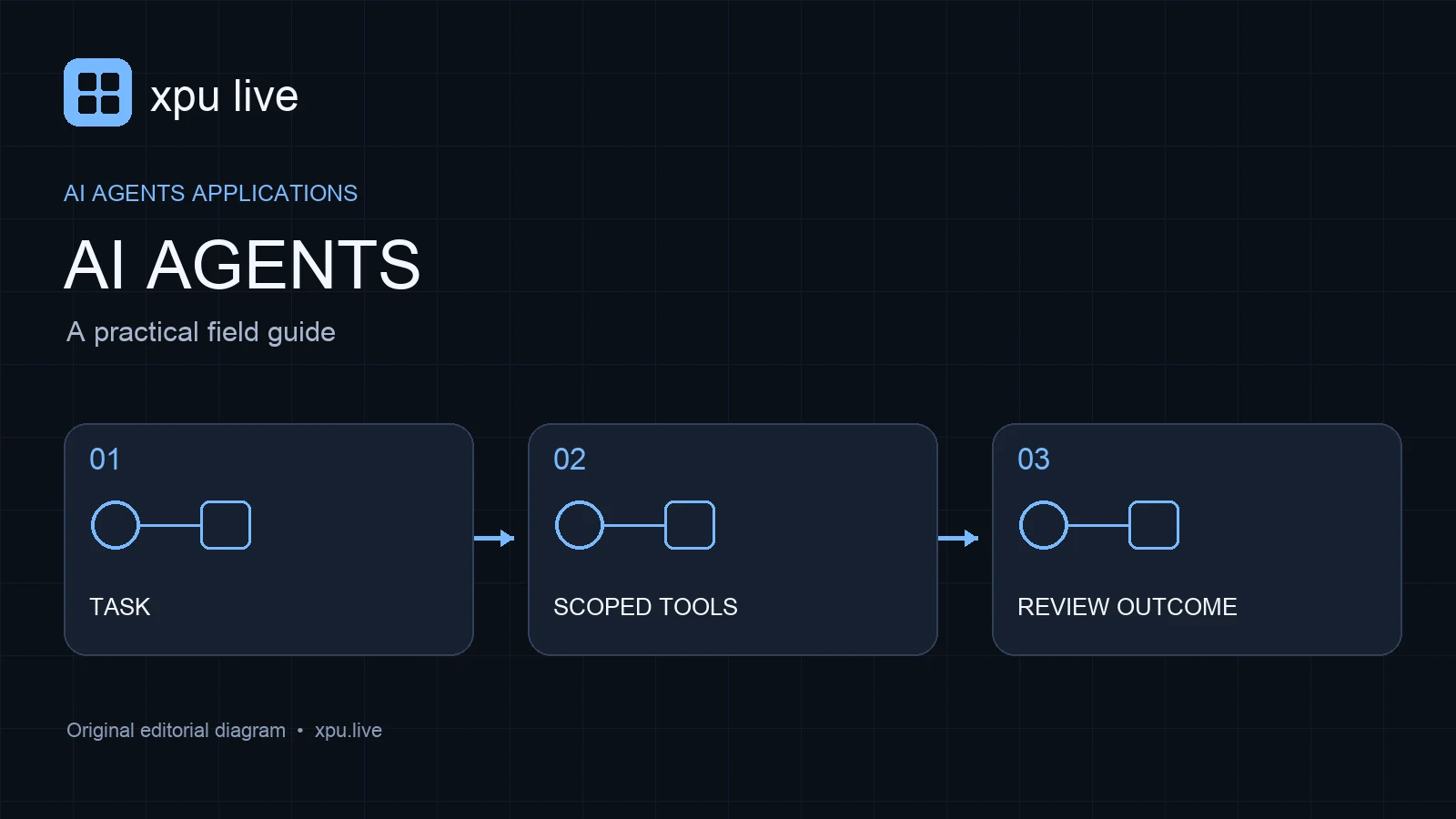
Start with the task rather than the framework
Write a clear description of the work the system should perform. Identify the starting information, useful result, allowed actions, and stopping condition. A task such as prepare a draft support reply is different from send a support reply. That distinction determines the permissions, tests, and user interface the application needs.
Try the simplest implementation that can complete the task. A single model call may be enough for classification or summarization. A fixed workflow may suit a predictable sequence. More dynamic tool selection can help when the next step depends on information discovered during the run. Choose complexity only when it improves a measured outcome, not because a framework advertises more components.
Distinguish workflows from AI agents
A workflow follows steps defined by application code. An agentic process lets the model make some choices about the next action. Many useful products combine these approaches. For example, code can control access, validation, and final submission while the model chooses which relevant document to read before drafting an answer.
Anthropic’s guide to effective agents discusses this distinction and the value of simple, composable patterns. Treat it as architectural guidance rather than proof that autonomy suits every task. Your design should make the boundary clear: which decisions belong to the model, which belong to deterministic code, and which require a person.
Design focused tools for AI agents
Give each tool a clear purpose, explicit inputs, and a predictable result. A readDocument tool should read an authorized document. A createDraft tool should create a draft without silently sending it. Avoid a broad tool that can read, write, publish, and delete based on a loosely described request. Narrow interfaces make behavior easier to test and explain.
Validate tool inputs outside the model. Check identifiers, allowed destinations, size limits, and permissions in application code. Return an understandable error when a request is invalid. Tool descriptions help the model choose an action, but they should not serve as the only security boundary. The server must enforce what the application is allowed to do regardless of the generated instruction.
Keep retrieved content separate from instructions
An agent may read websites, emails, documents, or database records. Those sources can contain text that looks like an instruction. Treat it as task data unless it comes through a trusted instruction channel. A retrieved page should not be able to grant new permissions or authorize disclosure of a credential simply by telling the model to do so.
Build a test case with hostile or irrelevant instructions inside a document. Confirm that the application extracts the needed facts without following directions to change destinations, reveal secrets, or send messages. This is especially important for AI agents with external tools. The risk comes from the combination of reading untrusted material and having the ability to take consequential actions.
Put approval at the action boundary
Some workflows need a person to review the exact result before an action happens. Prepare a concrete draft, change, or plan first, then show what will be submitted and to whom. An approval for a vague intention is less useful than an approval for a specific, inspectable action. Keep the request concise and connected to the user’s task.
Separate read access from write access where practical. A research assistant can gather information without being able to publish. A support assistant can draft without being able to issue refunds. These boundaries reduce the chance that a mistaken intermediate decision becomes an irreversible outcome. The right approval design depends on the application and the permissions its user has actually granted.
Set resource budgets for AI agents
Set limits on steps, elapsed time, tool calls, and model usage. A run should stop with a clear reason when it cannot make progress within those limits. Without a budget, repeated searches or failed tool calls can consume substantial resources while producing little useful work. A larger context window does not remove that problem.
Estimate cost from the entire run, not just the initial prompt. Tool outputs, repeated model calls, and final answers can all contribute to usage. Use the AI pricing guide to keep components and units separate. Record completed tasks and failed runs together so you can compare cost per useful outcome rather than cost per attempted action.
Preserve state that another person can inspect
Longer tasks need a compact record of what has happened. Save the goal, relevant findings, chosen actions, and unresolved questions. Keep references to the original documents instead of copying every tool response into an ever-growing prompt. The state should help the process resume without treating unverified notes as new facts.
Also record the model and tool versions used during the run. If behavior changes after an update, these details help explain the difference. Store sensitive content only where the application’s data policy permits it. An inspectable run record makes AI agents easier to debug, review, and improve without requiring a person to reconstruct every decision from a confusing transcript.
Evaluate AI agents by outcomes and permissions
Create a test set that includes normal tasks, ambiguous requests, missing permissions, invalid tool results, and contradictory sources. Score whether the system reaches a useful result and whether it stays within the allowed actions. A fluent final answer does not prove that the process used tools correctly or preserved the user’s constraints.
Review failed runs as carefully as successful ones. Did the system stop when information was missing? Did it request approval before the relevant action? Did it invent an answer after a tool failed? Anthropic’s engineering articles provide further context for designing and evaluating these systems. Your own acceptance criteria should remain the final basis for deploying a workflow.
A practical first project
Build a read-only research assistant that gathers approved sources and creates a draft comparison. Give it a small source list, a step budget, and an explicit output structure. Require source links for factual claims. Then test missing information and conflicting sources. This project teaches tool design and evaluation before introducing messages, purchases, or other external actions.
Frequently asked questions
Does every AI application need an agent? No. Many tasks work well with a single call or fixed workflow. Add autonomy when testing shows that it helps the application.
Can a prompt alone enforce tool permissions? It can describe the rules, but application code must enforce access and validate each tool request.
What is the most useful success metric? Start with correctly completed tasks within the permitted actions, then add cost, latency, and the amount of human repair required.