API Updates: A Practical AI Migration Guide
API updates can affect an AI application even when its user interface has not changed. A new parameter, retired model, altered quota, or different response shape can break a previously reliable workflow. This guide explains how to review an update, test compatibility, and release a migration with a clear rollback path. It focuses on the practical engineering steps that make provider changes easier to manage.
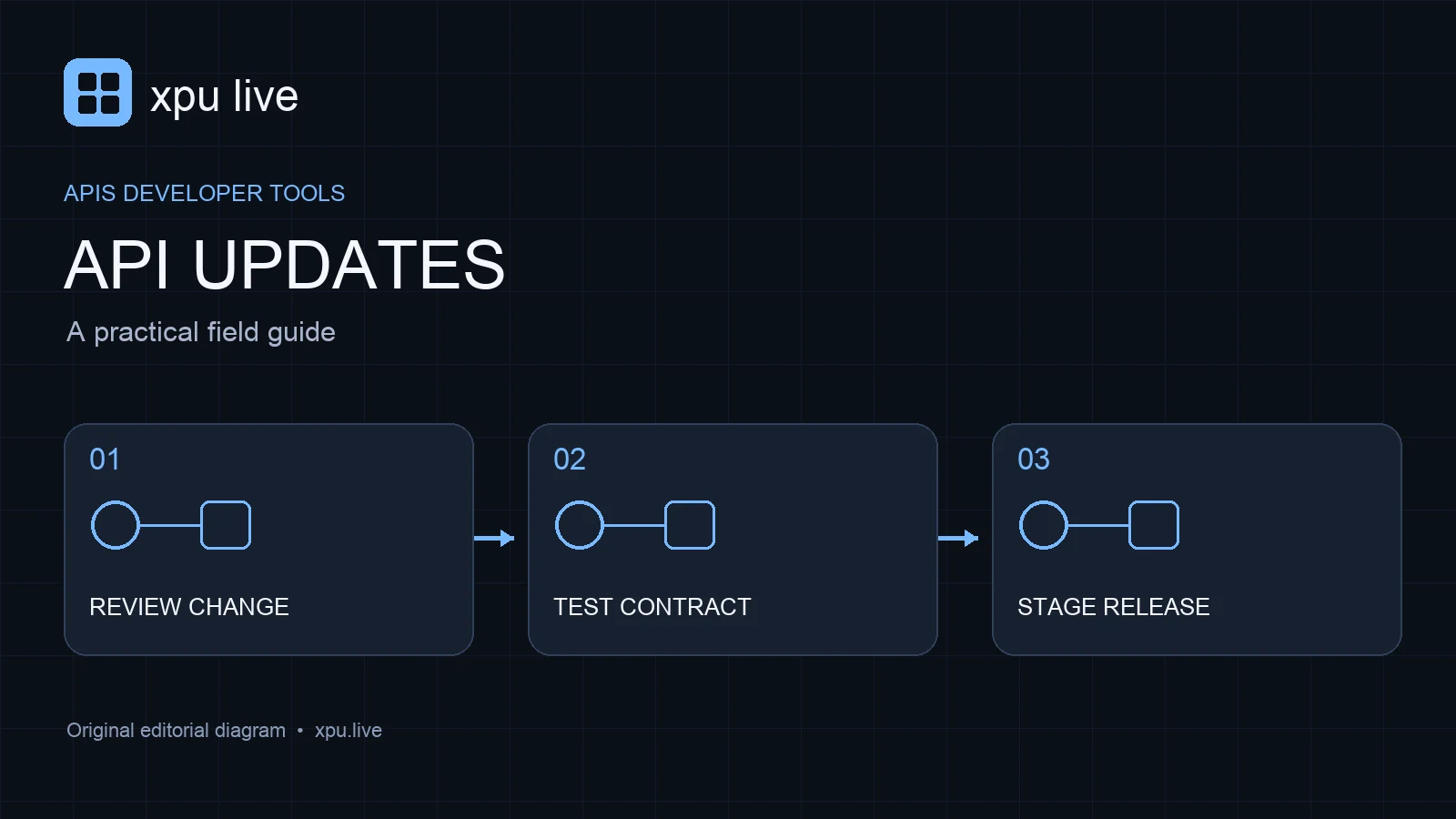
Prepare an inventory before API updates
List the external endpoints your application uses. Record the provider, API version, model identifier, SDK version, and features enabled on each route. Include background jobs and maintenance tools, not just the main user-facing request. A forgotten scheduled script can continue calling a retired endpoint after the visible application has migrated successfully.
Keep the inventory close to the code and give each integration an owner. Add links to the relevant changelog and deprecation page. Review them on a schedule appropriate to the project. This gives API updates a known destination inside your team instead of leaving important notices buried in an account inbox that nobody checks regularly.
Identify breaking changes in API updates
Not every release requires action. Some updates add optional features, while others change defaults or remove an existing path. Read the notice for its effective date and affected interfaces. A change to a chat product may not apply to its API. Likewise, a beta header can affect only requests that explicitly enable it.
Write a short impact statement in plain language. Identify what your application sends today, what the provider will accept after the change, and which behavior needs testing. The official API changelog is one example of a source for this review. Use the provider’s exact notice, rather than a social post that may omit scope or timing.
Test request contracts during API updates
For every important integration, save a representative request without secrets and the parts of the response your application depends on. Include successful output, errors, and streaming completion behavior. The contract should describe required fields and acceptable variations. It should not demand an identical natural-language answer from a model whose outputs can vary.
Turn this contract into focused tests. Validate that a response contains usable content, that structured fields have the expected types, and that your code detects an incomplete result. If a field is optional, test its absence. These checks catch meaningful API updates while avoiding brittle tests that fail because a provider adds an unrelated field you never use.
Review authentication and permissions
Authentication failures are different from request-format failures. A key can be valid but lack access to a model, project, or organization. When a provider adds new services, confirm the scope required by the endpoint. Keep keys on the server and use separate credentials where the provider supports sensible project boundaries.
During a migration, check where credentials appear in logs, command output, and browser code. A debugging shortcut can expose a key even if the request itself is correct. Log the provider, endpoint class, status code, and request identifier instead. That information usually gives you a useful diagnostic trail without copying secrets or full user inputs into a support record.
Handle errors by their meaning
An invalid request generally needs correction, whereas some transient failures can justify a retry. Do not retry every error in a tight loop. For example, an expired credential will not become valid because the same request is sent again. Excessive retries can increase costs and make a provider’s rate-limit response worse.
The Claude API error documentation describes status codes and request identifiers that support diagnosis. Use each provider’s documented behavior when building your policy. Add a maximum attempt count, backoff, and a clear user-facing failure message. Also consider streams that fail after an initial successful HTTP response, because receiving a status code alone does not guarantee a complete answer.
Test quotas independently of billing
An affordable request can still exceed the account’s throughput allowance. Rate limits may apply to requests, tokens, concurrent work, or a combination of measures. The limit also may depend on the model and account tier. Check the actual account configuration rather than using a value from an old example or another team’s deployment.
The Gemini API rate-limit documentation shows why developers need to examine the relevant quota dimensions. Build a queue that respects the provider’s limits and caps the work accepted by your own application. Then load-test the queue under a controlled burst. Confirm that overload causes a useful delay or rejection instead of an uncontrolled retry storm.
Use a staged compatibility rollout
Start the new integration in a test environment with the same request set used for the current version. Compare correctness, latency, usage, and error behavior. Once it passes, direct a small portion of suitable traffic to it. Keep the old configuration available while you observe real requests under normal operating conditions.
Define what would stop the rollout. Examples include a higher incomplete-response rate, unexpected usage, or a missing feature your product needs. Record the configuration that produced each result. API updates become much easier to evaluate when an incident can be tied to a specific model, SDK version, and request setting instead of a vague deployment date.
Document API updates for the next migration
After a successful rollout, update the dependency inventory and remove obsolete assumptions from your instructions. Explain the new defaults, supported features, and known limitations. Include a concise example that matches the live application. An outdated example can quietly reintroduce a deprecated field when someone builds a new feature several months later.
Keep the evaluation report and rollback decision with the change. Mark any temporary workaround with an owner and a review date. This prevents emergency code from becoming an invisible permanent requirement. The strongest response to API updates is a repeatable process that becomes easier with each migration, rather than a one-time fix that nobody can explain afterward.
Frequently asked questions
Should an SDK upgrade happen automatically? That depends on the project. Review relevant changes and run compatibility tests before applying an upgrade to a production integration.
Does an unchanged endpoint guarantee unchanged behavior? No. Models, defaults, access rules, and limits can change separately. Track the exact configuration as well as the URL.
What should I log when a request fails? Record the time, provider, model, status, and request identifier. Avoid exposing API keys or unnecessary private user content.