GPU Memory: How to Size an AI Inference Workload
GPU memory is often the first constraint you encounter when running an AI model. A fast accelerator cannot serve a workload that does not fit within its usable memory, and a large capacity alone does not guarantee fast responses. This guide explains how to estimate a starting requirement, leave room for runtime overhead, and compare rental options without confusing hardware capacity with application performance.
Separate GPU memory capacity from bandwidth
Capacity tells you how much data a GPU can hold. Bandwidth describes how quickly it can move data through its memory system. These properties solve different problems. A model may fit on a device with modest bandwidth but respond slowly under load. Another device may move data quickly while lacking the space required by your chosen configuration.
The NVIDIA H100 product specifications show why the precise hardware variant matters. A product family can include different memory and connection configurations. Record the complete variant name when evaluating a cloud offer. Do not assume that two rentals with the same family label provide identical memory behavior, interconnects, or software support.
Estimate GPU memory for model weights
A simple starting estimate is parameter count multiplied by bytes per stored parameter. For example, a hypothetical seven-billion-parameter model stored at two bytes per parameter needs about fourteen billion bytes for weights alone. That arithmetic is an approximation of the weight storage, not a promise that the model will run on a fourteen-gigabyte device.
Actual GPU memory use also depends on the implementation. Some models include additional modules or unusual data structures. Runtime libraries can reserve buffers, and the serving engine may allocate space before the first request. Use the estimate to reject obviously unsuitable configurations, then measure the real workload. An estimate should guide a test rather than substitute for one.
Reserve GPU memory for cache and working space
During generation, a serving system stores information needed to continue processing the conversation. The size of that cache depends on the model architecture, sequence length, precision, and number of concurrent sequences. As a result, a model that fits with one short prompt may run out of room when several users send long requests.
Leave a separate budget for temporary computation buffers and framework overhead. Image, audio, and video processing can introduce additional memory requirements that a text-only calculation misses. Therefore, test the largest supported input and a realistic burst of concurrent requests. Watch peak allocation during the run, not just idle allocation after the model loads. Peaks determine whether the service stays available.
Understand GPU memory and quantization
Quantization represents values with fewer bits and can reduce memory requirements. It can also change numerical behavior and the kernels available to your serving engine. The Hugging Face quantization overview lists several approaches rather than a single universal method. Compatibility depends on the model, hardware, and software path you intend to use.
Compare a quantized configuration against a reference configuration using your own tasks. Check important numbers, structured outputs, and long-context behavior. A reduced footprint may be worthwhile if quality remains acceptable and the serving stack runs efficiently. However, a format supported by a model file does not automatically have an optimized execution path on every GPU. Test before treating the reduction as a guaranteed saving.
Budget concurrency explicitly
Think about memory per running request instead of memory per installed model. A service can share the loaded weights across users while allocating additional state for each active sequence. Longer prompts and longer answers can increase that state. Consequently, the same accelerator may support many short jobs but only a few very long conversations.
Choose a representative concurrency target and test it gradually. Record useful throughput, completion time, and allocation at each level. Stop increasing concurrency when latency becomes unacceptable or the service begins rejecting work. You can then choose between a larger device, a different model configuration, shorter input budgets, or more replicas. Each option changes cost and quality differently.
Treat multiple GPUs as a system
Two devices with a given capacity do not necessarily behave like one device with twice that capacity. Splitting a model introduces communication and coordination costs. The serving framework must support the partitioning method, and the hardware connections must suit the workload. Memory on another device is not a free local extension.
When comparing multi-GPU rentals, inspect the GPU count, interconnect, host CPU, system RAM, and network topology. Ask whether the price is per GPU or per instance. A minimum count can make an apparently low hourly rate more expensive than a single-device option. The GPU directory keeps the billing unit visible, but verify the provider’s configuration for the exact offer you plan to rent.
Measure the complete serving path
An accelerator benchmark does not include every part of your application. Request validation, document retrieval, tokenization, network transfer, and response handling can all add delay. These stages may remain unchanged after a hardware upgrade. Therefore, measure both the inference engine and the user-visible request path before concluding that GPU memory is the only bottleneck.
Use a reproducible test with a fixed model version, prompt set, output limit, and serving configuration. Record warm-up separately from steady operation. Then repeat the test under the same load. A reliable comparison needs more than one fast response. Also inspect unsuccessful requests, because a system that drops difficult jobs can appear faster than a system that completes them.
Compare cost per completed workload
Hourly price is useful, but it is only one input. Calculate the cost of completing a fixed quantity of useful work under your latency target. Include loading time, idle capacity, storage, and any separately billed host resources. If a larger GPU finishes the workload sooner, its higher hourly price can still produce a lower total bill.
Conversely, extra capacity has little value if the model and traffic cannot use it. Start with a short benchmark rental rather than a long commitment. Save the measurement results, tariff date, and exact hardware identifier. This gives you a grounded basis for deciding whether more GPU memory improves your application enough to justify the cost.
A practical sizing worksheet
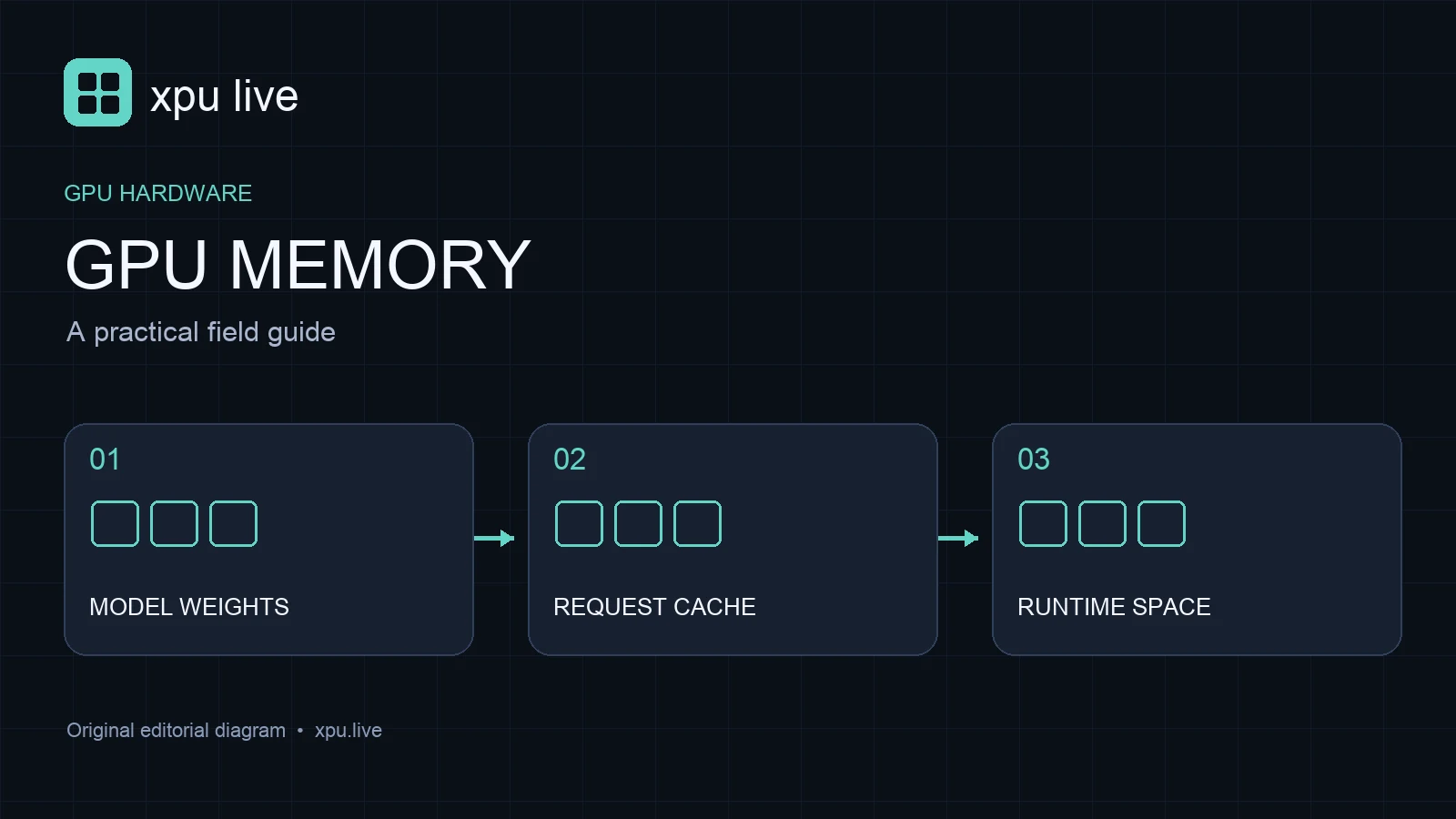
Write down weights, cache at target concurrency, runtime buffers, and a safety margin as separate entries. Add the intended precision and serving engine version. After testing, replace estimates with measured peaks. Keep a second column for the largest supported input. This makes the worksheet useful when product requirements change, instead of turning it into a one-time calculation.
Frequently asked questions
Does a model fitting in memory guarantee good speed? No. Bandwidth, kernels, concurrency, and the surrounding application affect performance. Fit is a necessary check, not a complete performance result.
Can quantization always solve an out-of-memory problem? It can help, but compatibility and quality still need testing. Request state and runtime buffers may remain significant after weight compression.
Should I buy or rent the largest available GPU? Start with your workload and measurements. Choose sufficient capacity and useful throughput, then compare the complete cost of serving that workload.